Customer records your whole team can act on — shipped in hours, governed at scale
Build a records interface around your team’s actual workflow — with the fields, filters, and actions you need, the governance your org requires, and none of the months-long buildout.
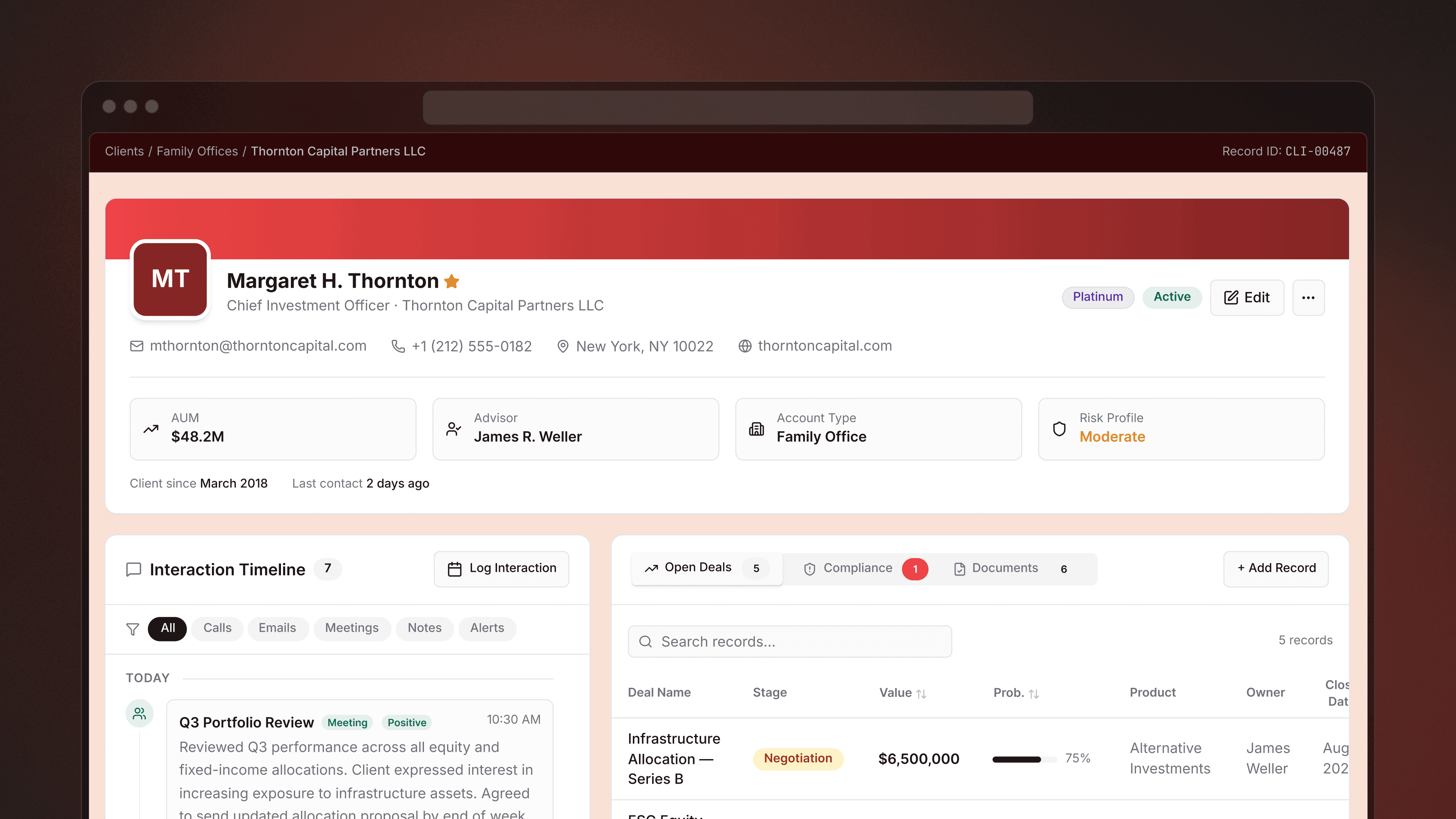
See every data point about an account in one view
Connect to your CRM, payment processor, data warehouse, and internal databases simultaneously. Surface usage, billing, history, contacts, and notes — no more tab-switching to get the full picture.
Adapt your CRM in minutes, not sprints
When priorities shift or you need a new field surfaced, add it, wire it up, and start collecting data the same day. No CRM admin, no configuration consultant, no six-week wait.
Take action on records, not just read them
Look up a customer, update a contract detail, change an account status, log a note, execute a trade — all from one governed interface. Write operations are query-controlled, so every change is intentional and auditable.
Manage every account from one interface — without giving up control
“"We want to make it easy for engineering teams to build internal apps like the Performance Hub–to be able to get access, create resources, and deploy as quickly as they want to.”

Checkout.com scaled globally with self-serve records




Build the records tool your team needs — not the one a vendor assumes

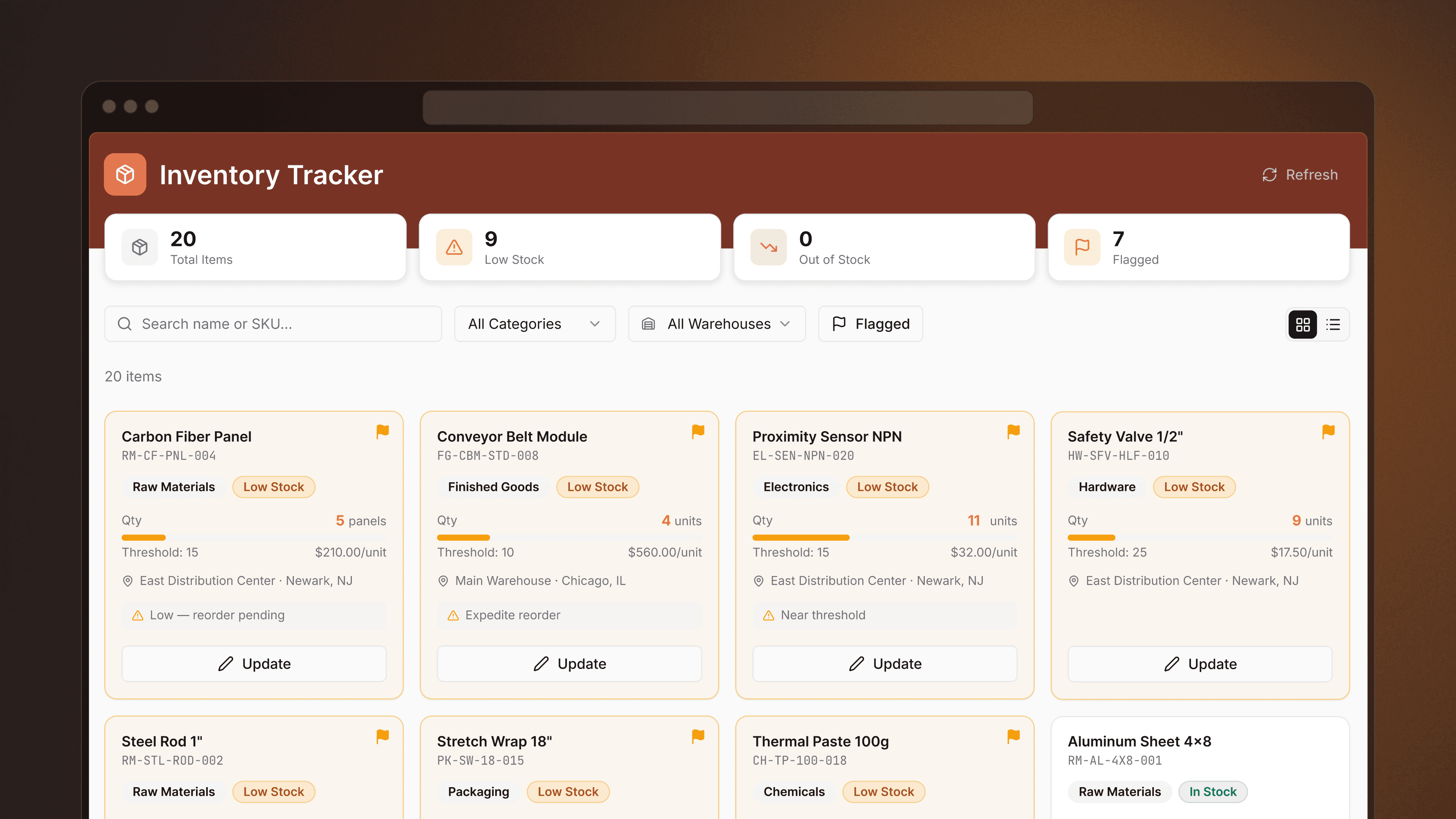
Enterprise account management dashboard
Build an app that helps your customer success and sales teams navigate large accounts with ease.

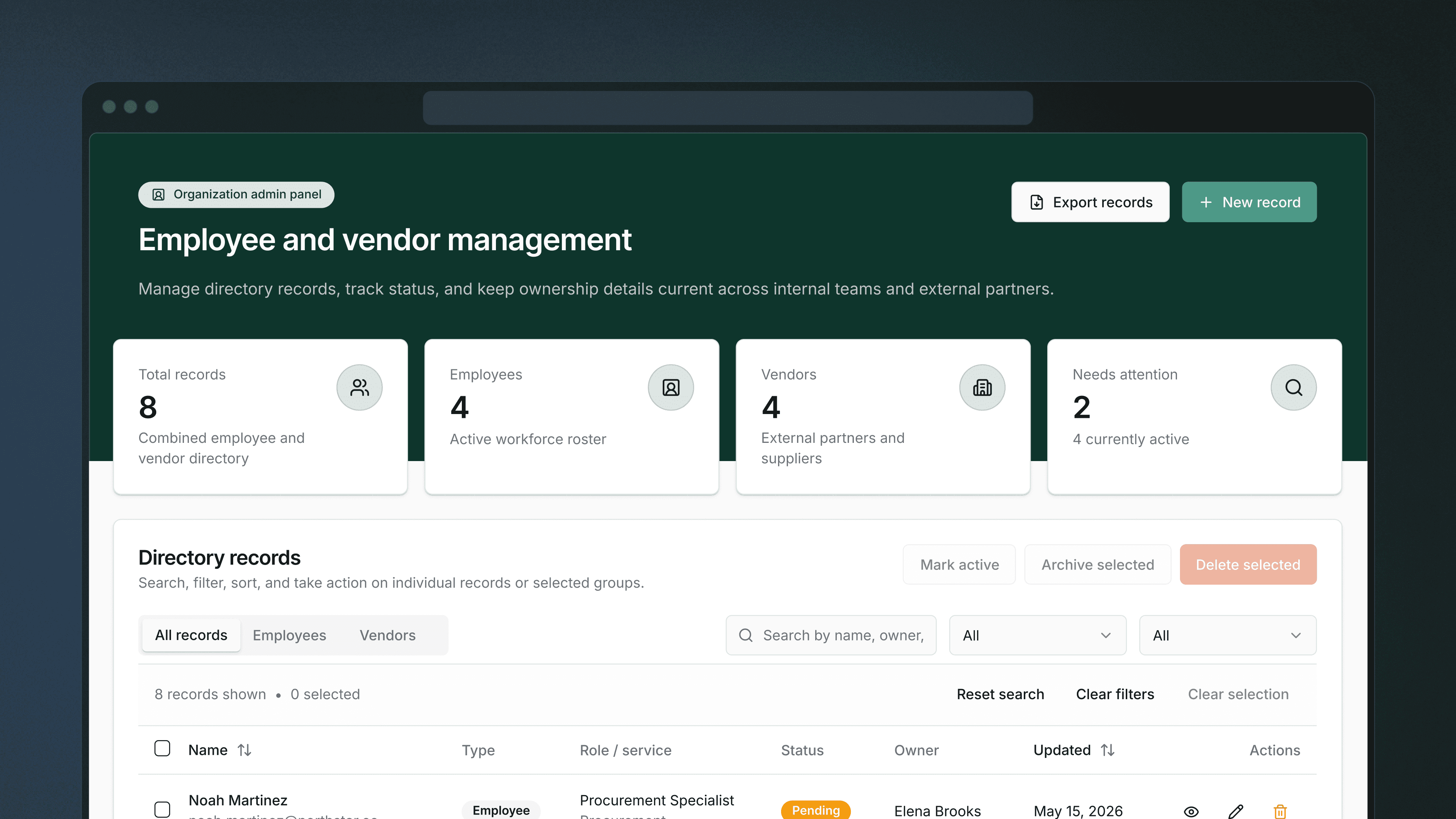
Customer finder
Connect to your CRM, payment processor, and anywhere else where customer data resides to surface relevant customer information in a single application.

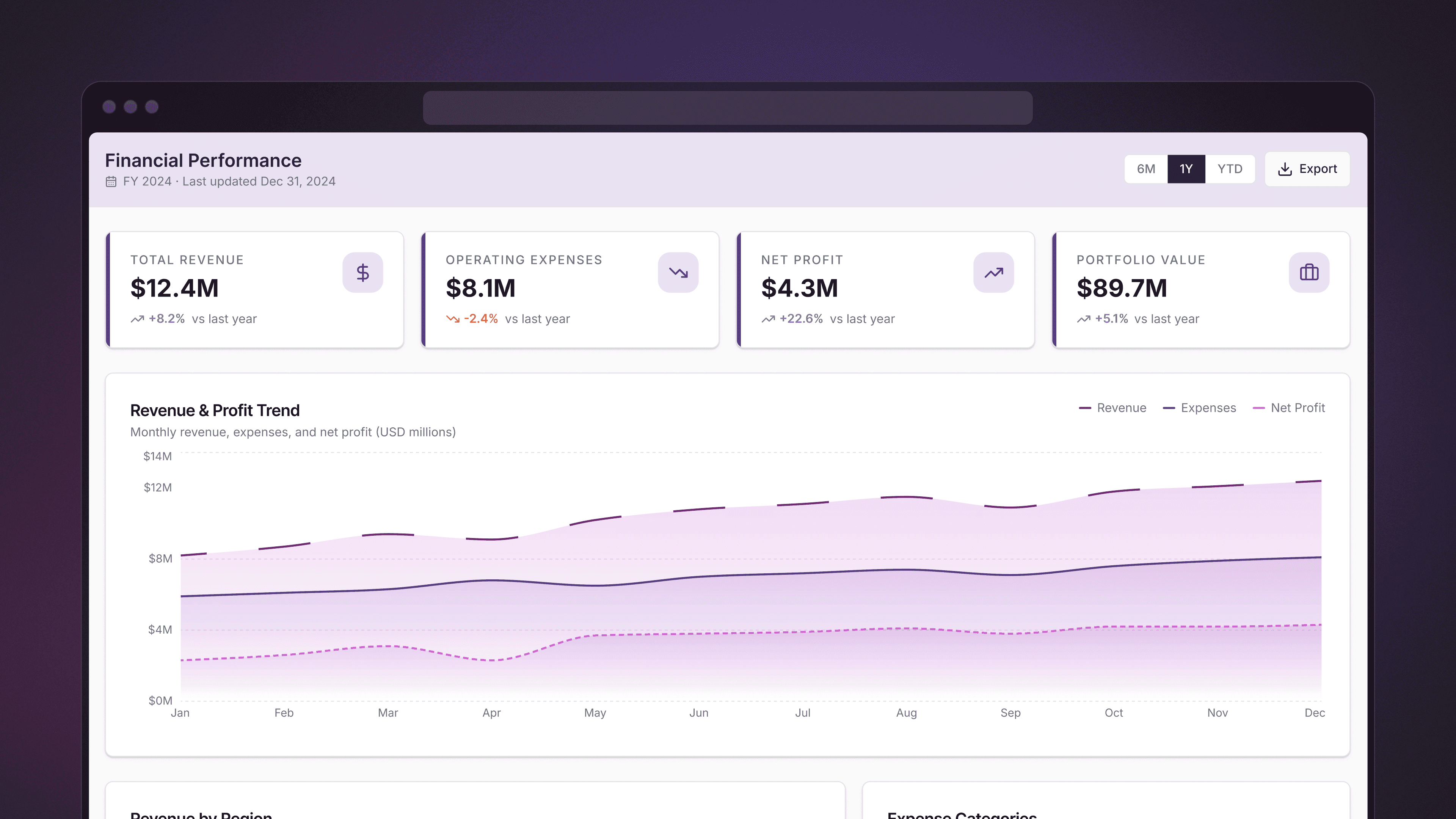
Investment portfolio manager
Build an app to manage unique portfolio investments within a single application.

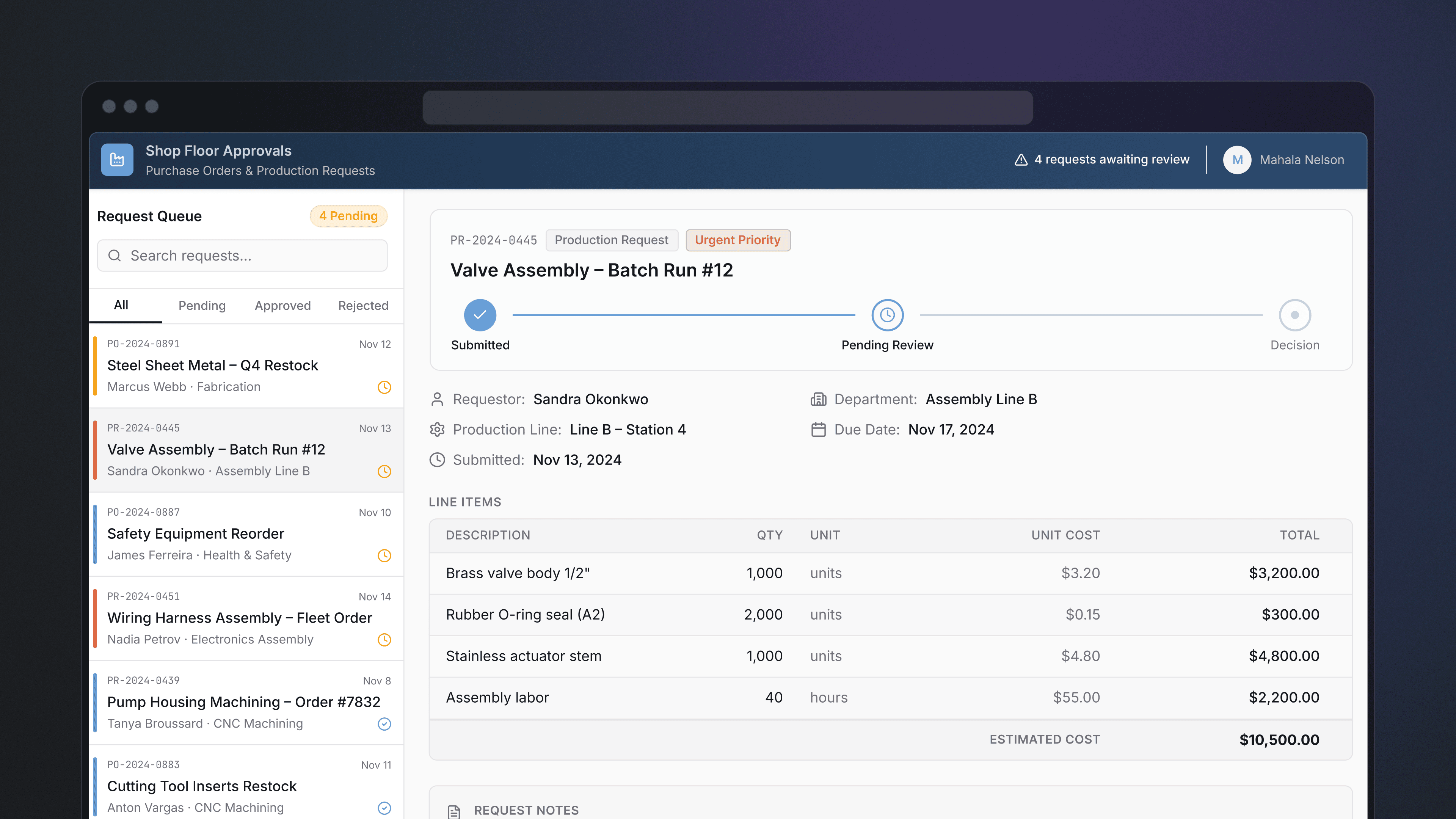
Renewals control center
Build a custom renewals dashboard offers visibility into account health and feedback from reps.

Mobile CRM App
Build a mobile CRM to manage opportunities and customer contacts in the field, even capturing signatures for deals on the go with our signature component.
Everything you need to build, ship, and govern customer records tools
Multi-source data aggregation
Pull from Salesforce, Stripe, your data warehouse, internal databases, and any REST or GraphQL API into a single records view. No more switching between tools to see the full account picture.
Search and filter across records
Text search by name, domain, ID, company, or any indexed field. Filter by industry, company size, account status, or custom attributes. Dropdown and tabbed container views for different cohorts.
Full read-write from one interface
View records and take action: update contract details, change statuses, add notes, log interactions, execute trades, and adjust forecasts — all without leaving the tool.
Tabbed container views
Organize complex account data into logical tabs — invited users, business units, personal plans, portfolio details, transaction history — without overwhelming a single view.
Drill down from list to detail
Bird's eye account overview at the top. Click into any record for full context including history, contacts, notes, and linked records.
Custom fields on demand
Add fields as team needs evolve without waiting on a CRM admin or specialist. Wire up a new field and start collecting data the same day.
Complete governance and audit trails
Control who can view, edit, or act on specific records with role-based permissions. Audit logs capture every change automatically — critical for compliance, accountability, and regulated environments.
Enterprise-grade authentication
SAML SSO and 2FA out of the box. No additional configuration needed to meet enterprise security requirements.
AI-assisted record generation and querying
Generate schema-aware CRM views from a description of your team's workflow. Use natural language to query across records and surface the data you need.


Common questions about CRM & record management
Salesforce and HubSpot are optimized for specific sales motions. When your team's workflow diverges — renewals, enterprise account management, portfolio tracking — those tools start working against you. Retool builds around your actual data model, fields, and workflow, and lets you change it yourself when requirements shift. No CRM admin or specialist required.
Yes. Retool connects to Salesforce, HubSpot, Stripe, PostgreSQL, DynamoDB, MySQL, BigQuery, Snowflake, REST APIs, GraphQL, and more. You can surface account data, billing info, usage metrics, and support history from different sources in a single structured view — no middleware or data pipeline required.
Retool is fully read-write. Your team can look up a customer, update contract details, change an account status, log a note, execute a trade, or adjust a forecast — all from the same interface. Write operations are query-controlled, so engineering defines what actions are available and every change is auditable.
Most teams have a working records interface in hours. Describe the tool your team needs — an enterprise account manager, a portfolio tracker, a customer finder — and Retool's AI generates a schema-aware starting point connected to your actual data. Engineers extend and refine from there, not from zero.
That's the point. Add a field, adjust a filter, wire up a new data source — changes take minutes, not a Salesforce sprint. The UI your team uses stays familiar; the data underneath stays current. No specialist or configuration consultant needed.
Yes. Retool Mobile provides native iOS and Android apps for managing opportunities, updating contact info, changing deal statuses, and capturing signatures on-site. Data writes back to your CRM in real time.